asp.net core rzaor page 中的ViewComponent 视图用法
1、/Pages/Components 新建:
MyViewComponent.cs
using Microsoft.AspNetCore.Mvc;

namespace xxtsoft.Web.Entry.Pages.Components
{
    public class MyViewComponent: ViewComponent
    {
        public IViewComponentResult Invoke(string name)
        {
            // 这里可以处理一些逻辑,获取数据等
            var model = $"Hello, {name}";
            return View("Default", model); // 返回视图和数据
        }
    }
}
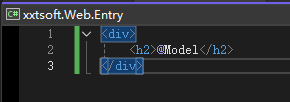
2、/Pages/Shared/Components/My/Default.cshtml
<div>
    <h2>@Model</h2>
</div>
3、页面引用
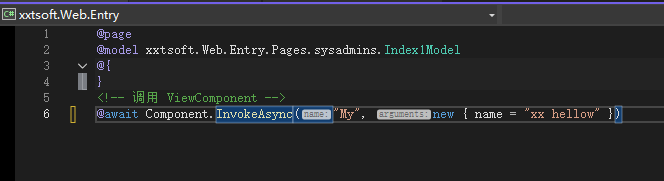
<!-- 调用 ViewComponent -->
@await Component.InvokeAsync("My", new { name = "xx hellow" })